Your Cyber Insurance Might Not Pay Out — Here's What Jacksonville Owners Keep Missing
Cyber insurance only protects you if you meet the conditions in the fine print. Here's why claims get denied, what insurers now require, and how Jacksonville businesses can make sure their coverage actually works when it counts.
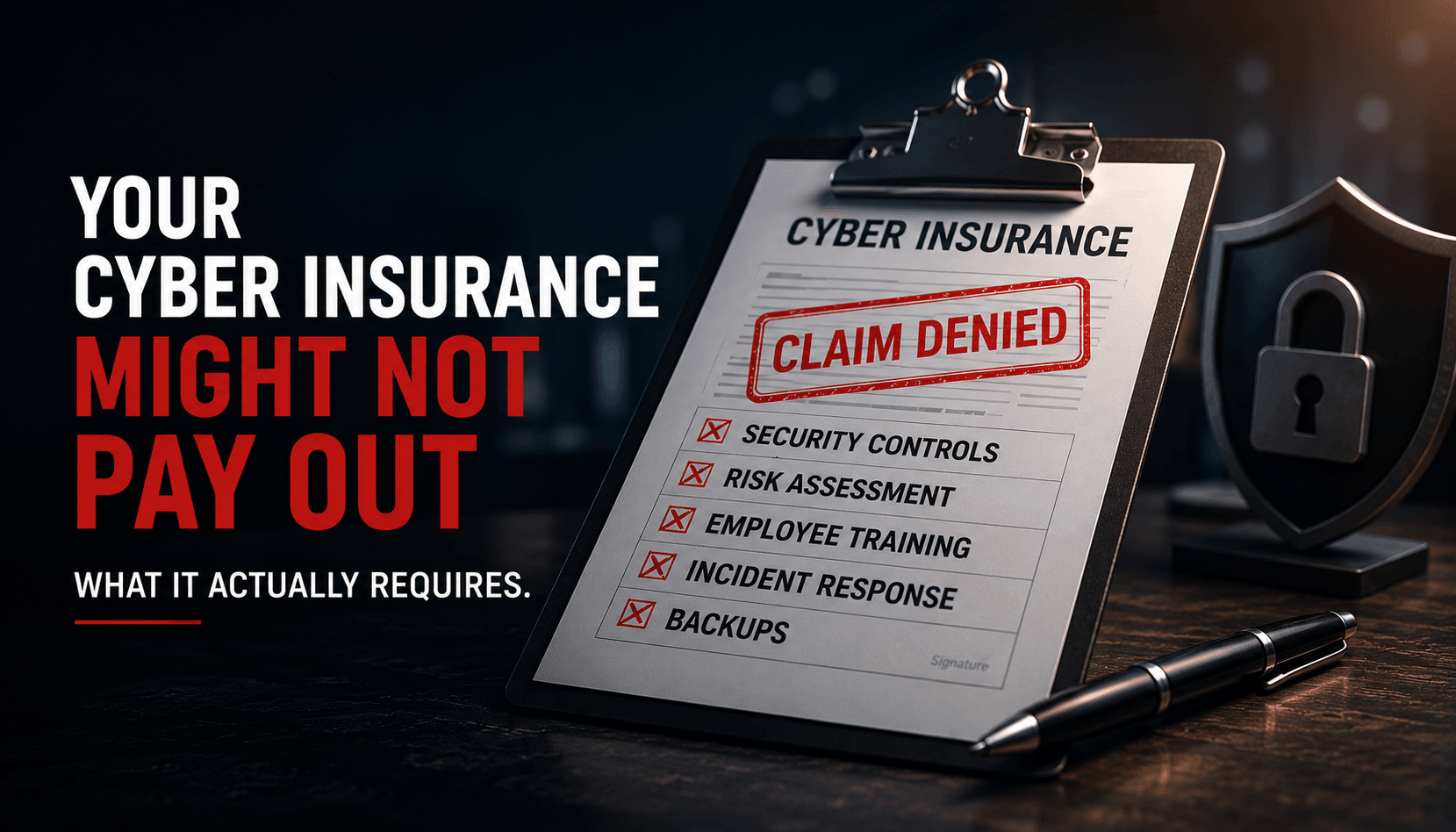
If you carry cyber insurance, you've probably filed it away with a quiet sense of relief — one more risk covered, one less thing to worry about. It's a responsible move, and every business handling customer data should have it.
But here's the uncomfortable truth more owners are learning the hard way: having a policy and being covered are not the same thing. Cyber insurance is full of conditions, and if you don't meet them, the check you're counting on after a breach may never come. The time to find that out is now — not in the middle of a ransomware attack.
Why claims get denied
Insurance pays out when you've held up your end of the agreement. With cyber policies, "your end" is a list of security controls you attested to when you signed up — and that many businesses never actually put fully in place.
Picture the scenario. You get hit with ransomware. You file a claim. The insurer sends an investigator, and their job is to confirm you had the protections you said you had. If your application claimed you require multi-factor authentication on all accounts, or that you have 24/7 monitoring, or regular offline backups — and the investigation finds you didn't — the claim can be reduced or denied outright. You paid premiums for years, and at the one moment you needed it, the policy didn't hold.
This isn't insurers being sneaky. It's how the fine print has always worked. The difference is that cyber policies now come with far more conditions than they used to, and the investigations are far more thorough.
What insurers now require
Cyber insurance has tightened dramatically. What used to be a simple questionnaire is now a real security checklist. Depending on your policy, you may be required to have:
- Multi-factor authentication (MFA) on email, remote access, and administrative accounts — this is now nearly universal, and a common reason claims fail.
- Endpoint detection and response, or managed monitoring that actually watches for threats around the clock.
- Regular, tested backups that are kept separate from your main systems, so ransomware can't encrypt them too.
- Security awareness training for employees, since most breaches start with a person clicking something.
- A plan for patching and keeping systems up to date.
Notice what these have in common: they're not just paperwork. They're the same protections that stop a breach from happening in the first place. Insurers require them because they work.
The renewal trap
Here's where a lot of Jacksonville businesses get caught. Your policy renews once a year, the application asks yes-or-no questions about your security, and it's tempting to answer the way you intend to operate rather than the way you actually do. Someone in the office checks "yes, we have MFA everywhere" because it's mostly true, or because turning it on has been on the to-do list for months.
That checkbox is a legal attestation. If it's not accurate, you've quietly voided the protection you're paying for. And most owners have no easy way to verify whether what they attested to is actually true across every system — because that requires looking under the hood.
How to make sure your coverage actually works
The fix isn't complicated, but it does require being honest and thorough. Three steps:
- Read what you attested to. Pull out your policy and application and make a list of every security control you claimed to have. This is the list the insurer will check against if you ever file a claim.
- Verify it's actually true — everywhere. Not "we have MFA" but "MFA is enforced on every account, including the ones we forgot about." Not "we have backups" but "our backups are separate, recent, and we've tested that they actually restore." This is where a professional review pays for itself, because the gaps are usually in the details no one checks.
- Close the gaps before renewal. Every requirement you meet does double duty: it keeps your coverage valid and makes a breach less likely in the first place. That's the rare situation where the compliance box and the smart business move are the same thing.
Don't wait for a claim to find the gap
Cyber insurance is worth having — but only if it pays out when you need it. The businesses that get burned aren't the ones without a policy. They're the ones who had a policy, assumed they were covered, and discovered the fine print only after the worst had already happened.
Before your next renewal, have someone confirm that what you're attesting to is actually true across your business. Book a call with CyberTech and we'll review your security against your policy's requirements — so the coverage you're paying for is coverage you can count on.
Questions about your own setup?
Talk to a real person at CyberTech — no call center, no obligation.